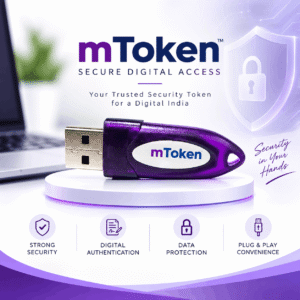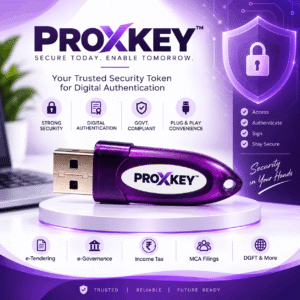
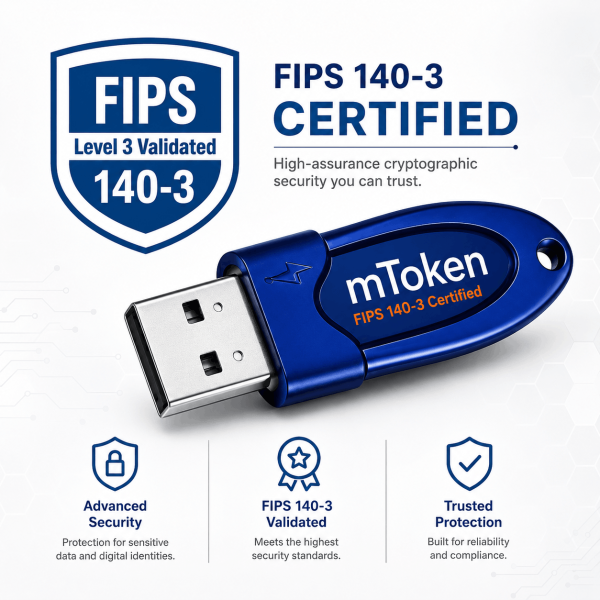

Description
Mtoken fips level 3: overview
The mtoken fips level 3 is a password-protected USB crypto token that stores your Class 3 Digital Signature Certificate (DSC). The private key is generated inside the token’s secure chip and cannot be copied out, which is why India’s Controller of Certifying Authorities (CCA) requires Class 3 certificates to live on a FIPS-validated hardware token. From 21 September 2026 the CCA is moving newly issued DSC tokens to the FIPS 140-3 standard – tell us your Certifying Authority and we will confirm this token is accepted before dispatch.
The mtoken fips level 3 meets the hardware requirements set by India’s Controller of Certifying Authorities (CCA) for Class 3 certificates.
Specifications
| Manufacturer | Longmai Technology |
|---|---|
| Model | mToken (FIPS Level 3) |
| Security | FIPS-validated, Level 3 security |
| Serial number | As printed on the token |
| Interface | USB, plug and play |
| Works with | Class 3 signing, encryption and combo DSCs from CCA-licensed Certifying Authorities |
| Protection | PIN/password protected; locks after repeated wrong PIN attempts |
Where you use it
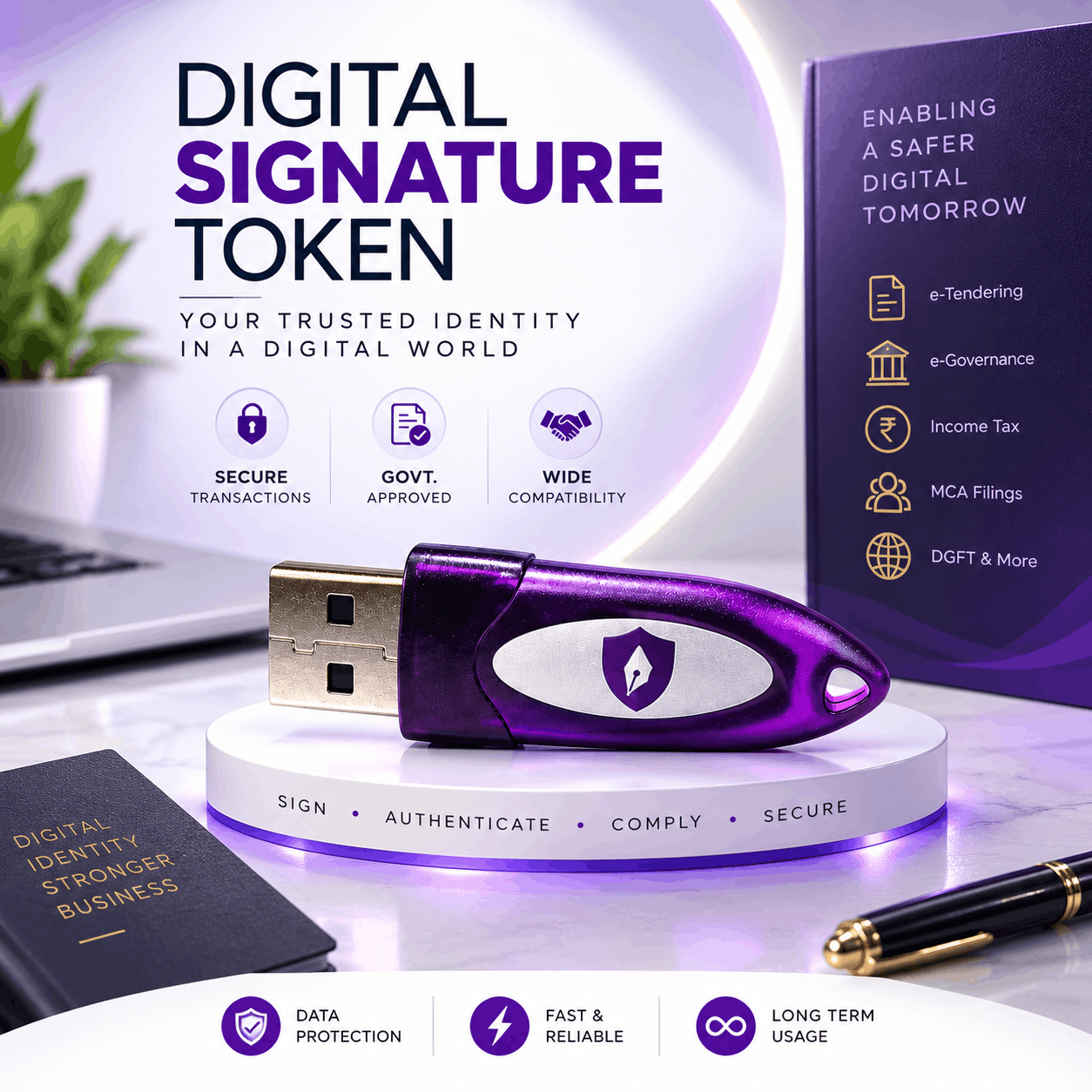
- GST, Income Tax, MCA, EPFO and DGFT filings that need a Class 3 DSC
- E-tenders and e-auctions on GeM, CPPP and state e-procurement portals
- Signing PDFs, contracts and invoices
- Renewing your DSC on the same token when it expires
How to set it up
- Install the token driver for your operating system (we share the right installer after purchase).
- Plug in the token and set a strong PIN when prompted.
- Download your DSC to the token using the Certifying Authority’s link.
- Install the portal utility you need – for example emSigner for GST/MCA or eMBridge for DGFT – and test a signature.
Why buy from Rannlab
- Genuine, CCA-compliant tokens
- Buy together with your DSC and we load the certificate for you
- Driver and portal set-up support on +91 9990613366 (phone/WhatsApp) and info@rannlab.com
- GST invoice with every order
Mtoken Fips Level 3 and other DSC tokens
Compare the mtoken fips level 3 with the other tokens we stock.
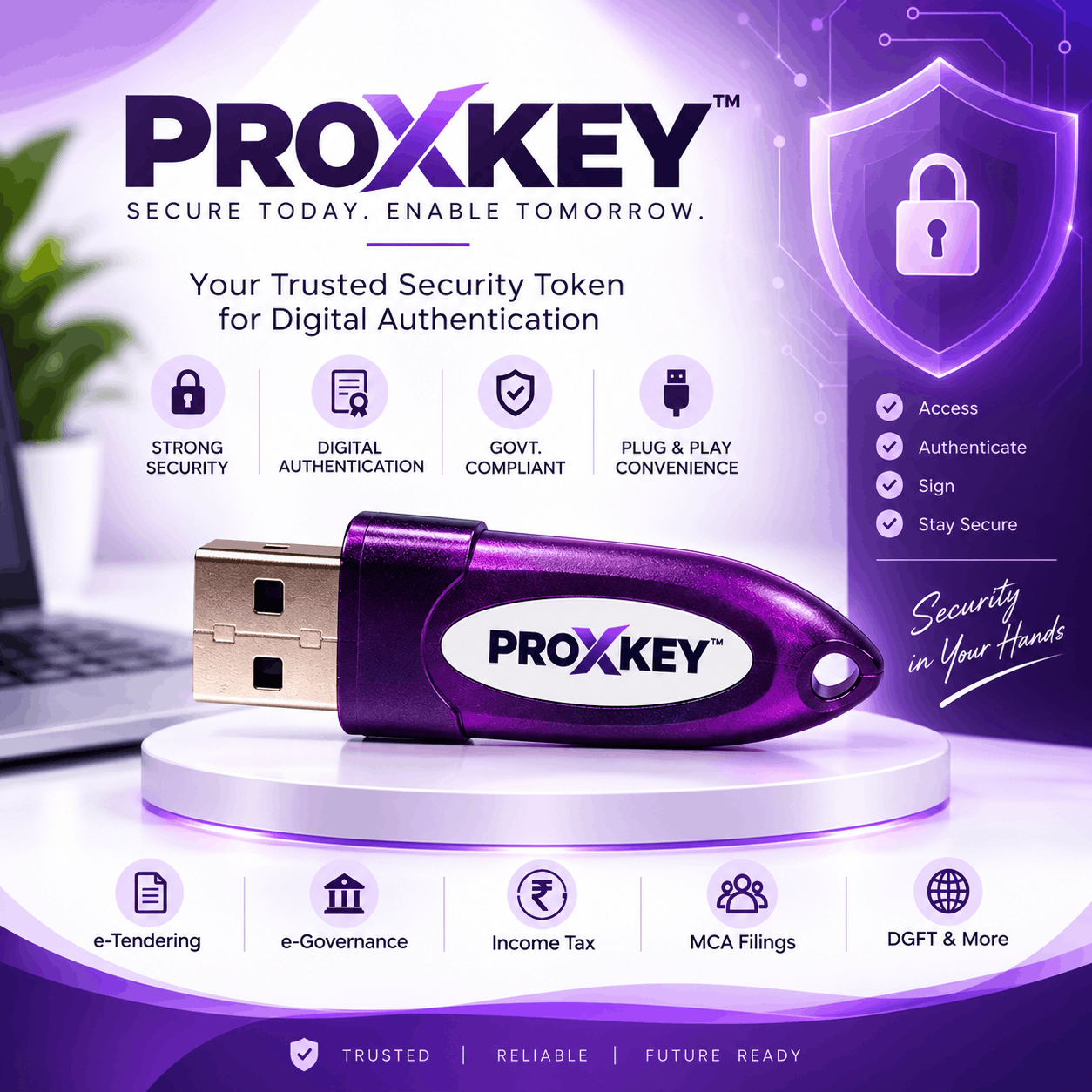

Proxkey vs HYP2003 vs mToken: which token should you buy?
| Token | Maker | Security | Best for |
|---|---|---|---|
| Proxkey | Watchdata | FIPS 140-2 Level 3 | Most Indian CAs, widely supported |
| HYP2003 | Hypersecu | FIPS 140-2 Level 3 | Auto-installing driver on most PCs |
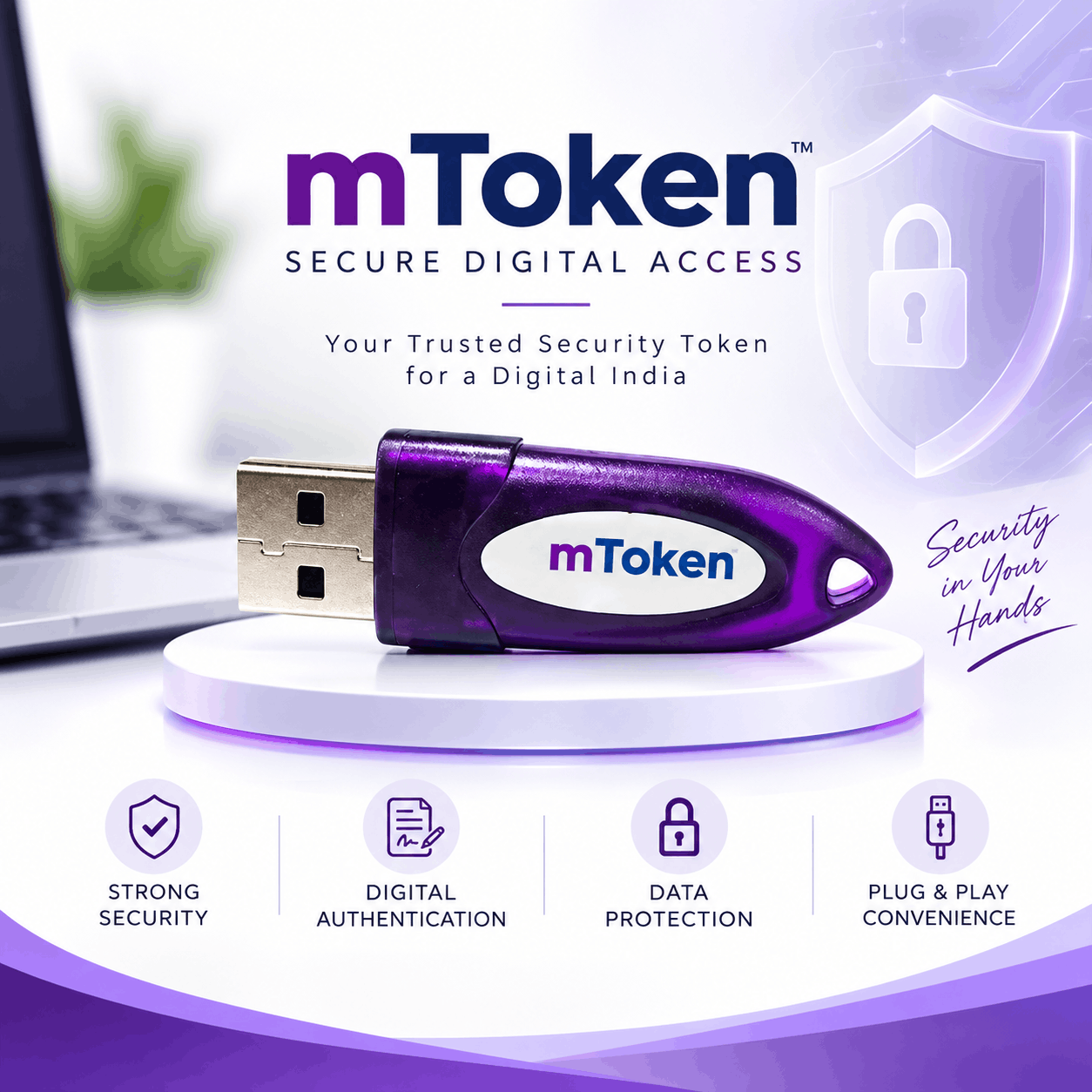
| mToken | Longmai | FIPS 140-2 Level 3 | Compact, reliable everyday use |
All three tokens work with Class 3 signing, encryption and combo certificates. If your Certifying Authority recommends a specific model, follow that advice; otherwise the mtoken fips level 3 is a safe choice.
Common mtoken fips level 3 problems and quick fixes
- Token not detected – reinstall the driver, try another USB port and restart the browser.
- Certificate not visible on the portal – make sure emSigner or eMBridge is running and that the portal supports your token driver.
- Wrong PIN warning – stop after two attempts and contact us before the token locks.
- New computer – install the same driver first, then plug in the mtoken fips level 3; your certificate stays on the token.
Our support team helps you with every mtoken fips level 3 set-up over phone, WhatsApp or remote session, so you can sign on GST, MCA, Income Tax or tender portals the same day.
FAQs
Does the token include a digital signature certificate?
No. The token is the secure storage device. Buy a Class 3 DSC separately – or together in the same order – and we will download it onto the token.
Can I reuse this token when my DSC expires?
Yes. A working token can hold your renewed certificate, as long as its driver is supported by your Certifying Authority.
What happens if I forget the PIN?
Repeated wrong attempts lock the token. Some tokens can be unlocked with the admin PIN; otherwise the token is reset and the certificate must be reissued. Keep your PIN safe.
Do I need a FIPS 140-3 token?
Existing working tokens remain valid. For new or renewed certificates issued from 21 September 2026, the CCA framework moves to FIPS 140-3 tokens and portals such as GST need emSigner v3.3. Ask us and we will confirm the right token for your certificate.
Related: Proxkey · HYP2003 · mToken · mToken FIPS Level 3 · Class 3 Individual DSC · Class 3 Organisation DSC