
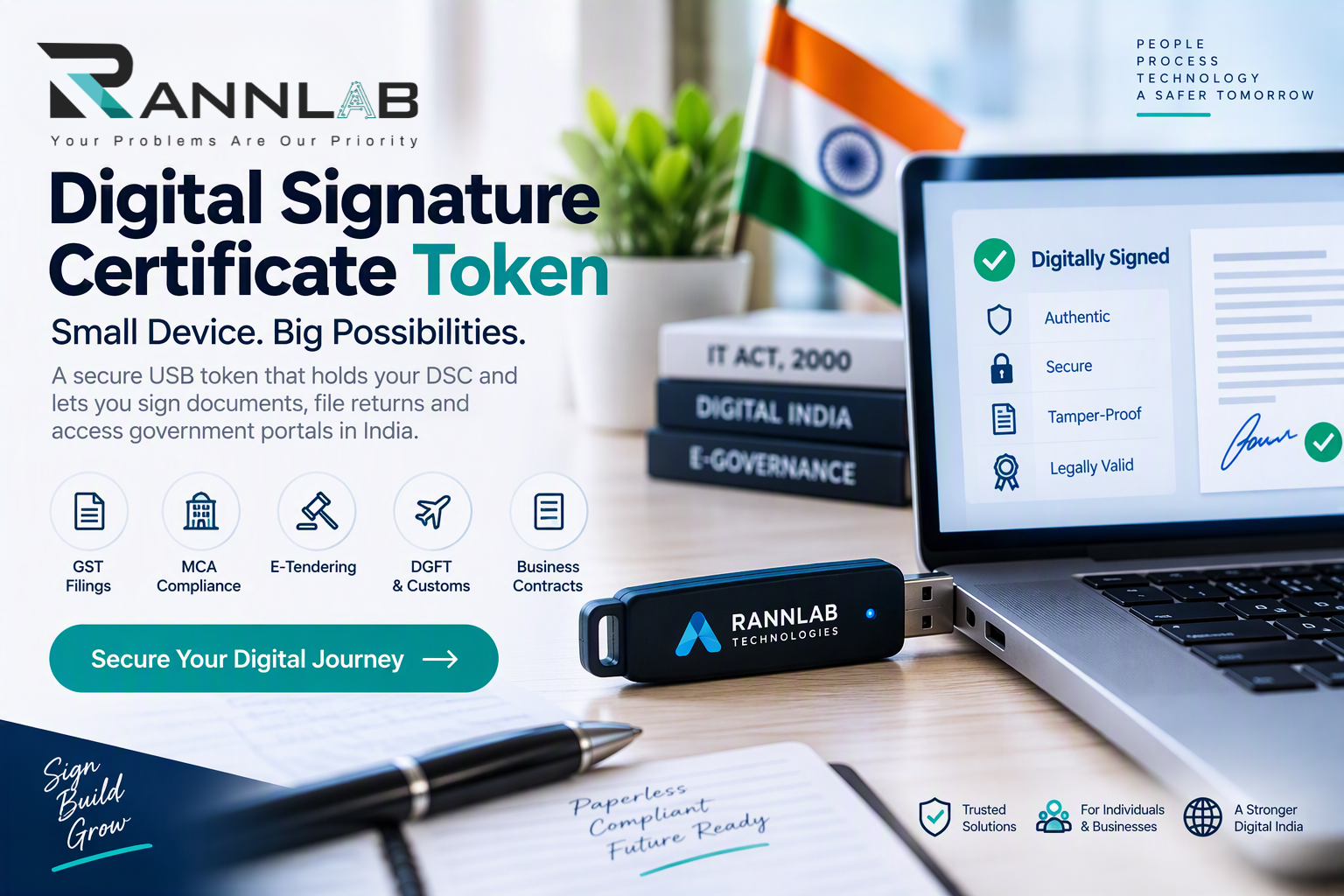
A digital signature certificate token is the small USB device that holds your DSC and lets you sign documents online. If you file GST returns, submit MCA forms, or bid on e-tenders, you will almost certainly need one.
This guide explains what a DSC token is, how it works, what affects its price, and how to set it up in seven steps.
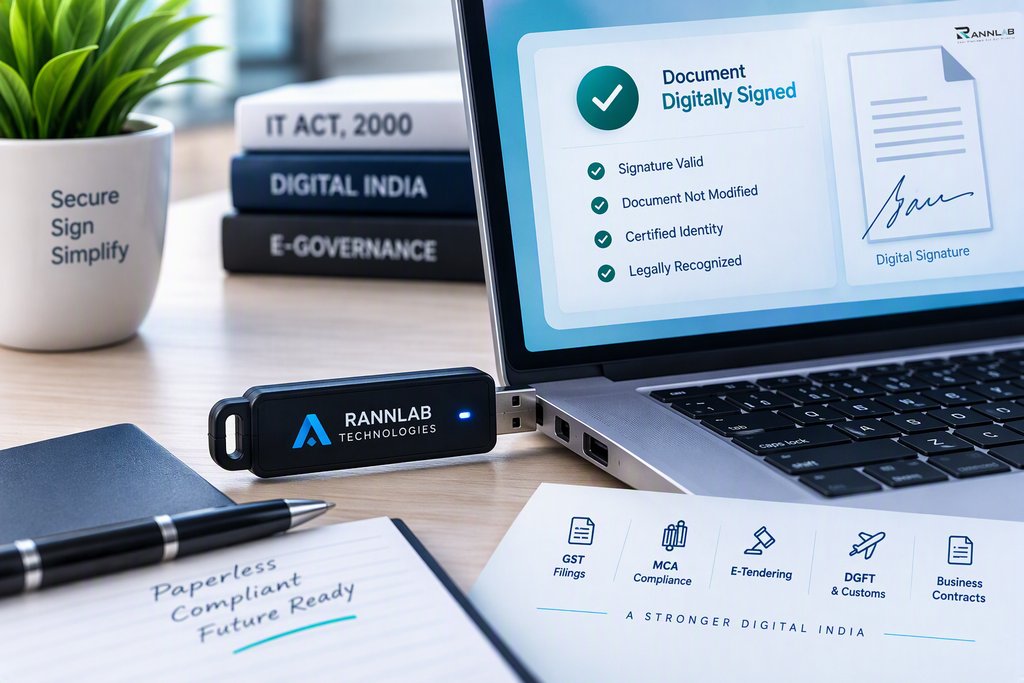
What Is a Digital Signature Certificate Token?
A DSC token is a hardware device, shaped like a pen drive, that stores your digital certificate and private key. It is issued with your certificate by a licensed Certifying Authority (CA).
The private key is generated inside the device and cannot be copied out. That makes a token far safer than a certificate saved as a file on your computer. If someone steals your laptop, they still cannot sign anything without the token and its PIN.
How a Digital Signature Certificate Token Works
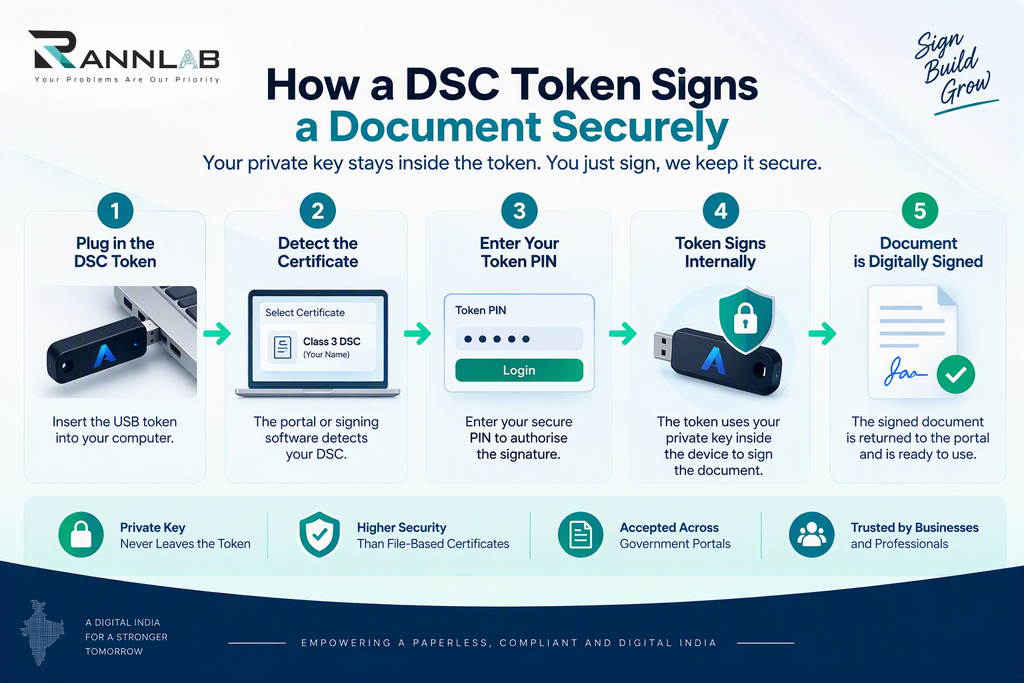
When you sign a document or file a return, the portal asks for your DSC. The process runs in four short steps:
- You plug the token into a USB port.
- The portal or signing software detects the certificate.
- You enter your token PIN.
- The token signs the data internally and returns the signature.
Your private key never leaves the device, so no one can intercept it.
Types of DSC Tokens
Most tokens look alike, but they differ by brand and model. Common ones include ePass2003, WatchData ProxKey, and SafeNet eToken. Each needs its own driver.
Your CA will tell you which model you receive. What matters is that the token is compatible with your operating system and the portal you plan to use.
Token vs File-Based DSC
| USB token | File-based certificate | |
|---|---|---|
| Security | High, since the key stays inside the device | Lower, since the file can be copied |
| Portal acceptance | Accepted by almost all Indian portals | Often not accepted |
| Portability | Works on any computer with the driver | Tied to the computer holding the file |
Some providers also offer cloud-based signing. Check your target portal’s rules before choosing anything other than a token.
Digital Signature Certificate Token Price: What Affects the Cost
Prices vary by provider, so compare the total instead of the headline figure. Four things drive the cost:
- Certificate class and purpose. Class 3 signing and encryption certificates differ in price.
- Validity. A 2- or 3-year plan usually costs less per year than renewing yearly.
- Token brand. Different models carry different prices.
- Delivery and service fees. Courier and support charges are sometimes extra.
If you already own a compatible token, many CAs can load a new certificate onto it. Ask before paying for a new one. For a full breakdown, read our guide to the Class 3 digital signature certificate.
How to Install and Use Your DSC Token in 7 Steps
Follow these steps for first-time setup:
- Plug in the token. Use a working USB port on your computer.
- Download the driver. Get it from your CA’s website or the token brand’s official page. Match your operating system, 32-bit or 64-bit.
- Install the driver. Run the installer, then restart the computer if asked.
- Install the signer utility. Many portals need a helper such as emSigner, and your CA will tell you which one.
- Check the certificate. Open the token manager and make sure your certificate shows with the correct name.
- Register the DSC on the portal. For GST, do this on the GST portal. For company filings, use the MCA portal.
- Sign and test. Sign a document, then enter your PIN when prompted.
Use a recent version of Chrome or Edge, and close other browser windows if the portal cannot find the token.
Common DSC Token Problems and Fixes
The token is not detected. Try another USB port, reinstall the driver, and make sure no second token is plugged in.
The certificate does not show on the portal. Restart your browser, reopen the signer utility, and check that the certificate has not expired.
The PIN is locked. Too many wrong attempts will lock the token. Contact your CA to unblock it, and do not keep guessing.
The name does not match. The name on your certificate must match your portal profile exactly.
Keeping Your DSC Token Safe
- Change the default PIN as soon as you receive the token.
- Never share the PIN or let others use the token unattended.
- Remove the token from the computer after signing.
- If it is lost, ask your CA to revoke the certificate right away.
Digital Signature Certificate Validity and Renewal
A DSC is valid for 1, 2, or 3 years, depending on the plan you buy. After it expires, you cannot extend it. You need to apply for a renewal, and the CA can usually load the new certificate onto your existing token. Renew a few weeks before expiry so you don’t miss a filing deadline. For approved providers, check the official list on the CCA website.
Frequently Asked Questions
Is a USB token mandatory for a DSC?
For most Indian government portals, yes. A token is the standard way to hold a DSC.
Can one token hold more than one certificate?
Many tokens can store more than one certificate, but check with your CA first.
What happens if I forget my PIN?
Contact your CA. They can help reset it, though the process depends on the token model.
Can I use the same token on different computers?
Yes. Install the driver on each computer, then plug in the token.
Conclusion
A DSC token keeps your signing key safe and gets you through GST, MCA, and tender portals. Install the right driver, protect your PIN, and renew before expiry. If you need help integrating digital signing into your own software, contact the Rannlab team.
