

Introduction
Modern Web Design in 2026 is driven by adaptability, clarity, accessibility, and user‑first thinking. Websites are no longer static pages—they are dynamic, multi‑device, AI‑discoverable experiences. The right UI/UX principles help businesses increase engagement, boost conversions, and improve long‑term brand trust. In this guide, we explore five foundational pillars: responsive design, WCAG accessibility, typography and color, navigation patterns, and micro‑interactions.
Responsive Design Best Practices
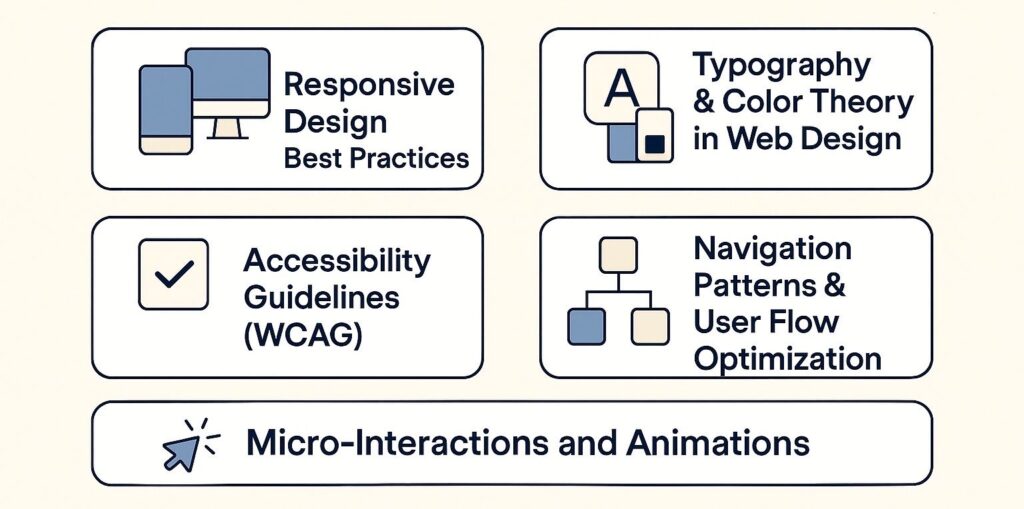
Responsive design is the core of Modern Web Design. It ensures your website adapts fluidly to all devices—mobile, tablet, desktop, and ultrawide monitors. Responsive development improves accessibility, SEO, user satisfaction, and conversion rates.
Responsive design ensures people can complete tasks effortlessly regardless of their device. With 2026’s AI‑powered search models, responsiveness is now a ranking factor for both traditional SEO and new AI search engines like Google SGE and ChatGPT Browse.
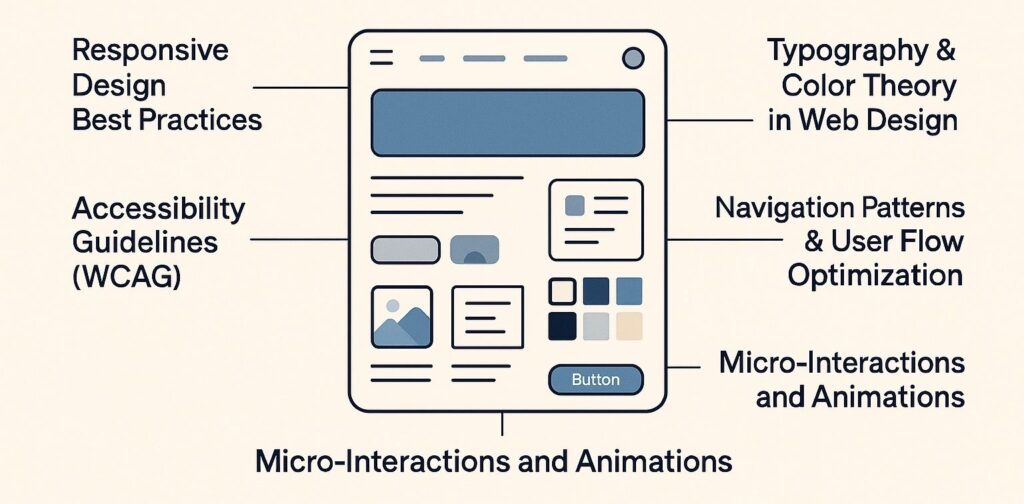
Key Best Practices for 2026
- Mobile‑first CSS ensures faster loading and cleaner design.
- Fluid grids & CSS container queries make your layout future‑proof.
- Flexible images (srcset) help reduce loading issues.
- Viewport-based typography (
clamp) creates scalable text. - Touch‑friendly design: Larger tap targets, minimal clutter.
- Dark mode responsiveness using
prefers-color-scheme.
Why it matters
More than 72% of web traffic in 2026 comes from mobile devices. A responsive structure also improves user flows and reduces bounce rates.
Accessibility Guidelines (WCAG 2.2+)
Accessibility ensures Modern Web Design works for all users, including those with visual, auditory, motor, or cognitive challenges. WCAG 2.2 principles help create inclusive, legally compliant, search‑friendly digital experiences.
Core WCAG Best Practices
- Maintain minimum contrast ratio: 4.5:1 for text.
- Provide text alternatives for all non-text elements.
- Ensure keyboard-only navigation works smoothly.
- Use ARIA labels responsibly (not excessively).
- Avoid flashing colors or distracting animations.
- Maintain logical heading hierarchy (H1 > H2 > H3).
Common Mistakes to Avoid
- Placeholder text as labels
- Low contrast pastel colors
- Overuse of parallax effects
- Non-descriptive links like “click here”
Rannlab Insight
Accessibility improvements typically increase page dwell time by 18–25%, as users face fewer blockers.
Typography & Color Theory in Web Design
Typography and color theory define the visual experience of Modern Web Design. They ensure readability, emotional connection, and consistent brand identity. Using structured typography scales the design, while color psychology guides user behavior.
Typography Best Practices
- Stick to 1–2 primary font families.
- Use modular scales for visual harmony.
- Line-height range: 1.4–1.7 for body text.
- Use variable fonts for performance + flexibility.
- Avoid long paragraphs; break with subheadings.
Typography Comparison Table
| Attribute | Good Practice | Poor Practice |
|---|---|---|
| Font Pairs | Sans + Serif with contrast | Two decorative fonts |
| Line Length | 45–75 characters | Over 100 characters |
| Font Weight | 400–700 scale | Extreme weights (100 or 900) |
Color Theory Principles
Color directly affects how users feel and behave. Modern Web Design uses color tokens for consistency.
Color Psychology Table
| Color | Meaning | Best Use Case |
|---|---|---|
| Blue | Trust, calm | Tech, finance |
| Red | Urgency | CTAs, alerts |
| Green | Success | Health, onboarding |
| Orange | Energy | Promotions |
| Purple | Creativity | Agencies, luxury |
Pro Tip
Use WCAG contrast checkers before finalizing your palette.
Navigation Patterns & User Flow Optimization
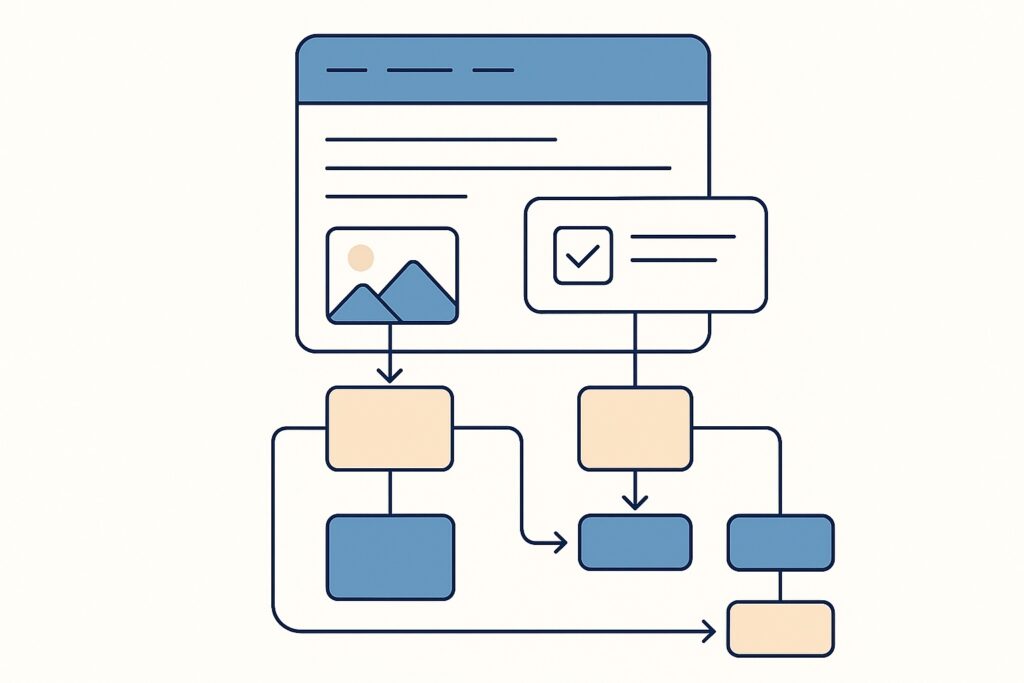
Navigation sets the structure of Modern Web Design. Clear, predictable navigation improves user flow, reduces friction, and boosts conversions.
Popular Navigation Patterns (2026)
- Sticky navigation bars
- Hamburger menus (mobile standard)
- Mega menus for enterprise websites
- Bottom navigation bars (mobile apps + PWAs)
- Breadcrumbs for deep website structures
User Flow Optimization
- Reduce unnecessary steps.
- Use clear headings and progressive disclosure.
- Provide real-time feedback during tasks.
- Add progress bars for long forms.
- Use predictive search for faster navigation.
Why It Matters
Poor navigation causes 80% of premature exits. Smooth flows increase conversion rates significantly.
Micro‑Interactions & Modern Animations
Micro‑interactions are small, purposeful animations that improve clarity and feedback. In Modern Web Design, they enhance usability and create delightful experiences without overwhelming users.
Common Micro‑Interactions
- Button hover transitions
- Form validation checks
- Password visibility toggles
- Scroll-triggered reveal animations
- Like/favorite button effects
Animation Principles for 2026
- Keep motion under 300ms.
- Use natural easing curves.
- Avoid unnecessary flourish.
- Respect
prefers-reduced-motion.
Rannlab Pro Tip
Use micro‑interactions strategically—every animation must have a purpose.
Expert Insight
In a recent transformation project, Rannlab revamped a SaaS platform suffering from high drop‑offs. After implementing optimized user flows, responsive layouts, and meaningful micro‑interactions, the platform saw a 38% increase in conversions and a 42% reduction in time-to-task completion. These improvements show how well-executed UI/UX directly impacts business outcomes.
FAQ
What are the main principles of Modern Web Design?
Modern Web Design focuses on responsiveness, accessibility, visual clarity, intuitive navigation, and meaningful micro-interactions. These principles help deliver high-performing user experiences.
How do UI/UX principles impact website conversions?
Good UI/UX reduces confusion and friction. When users understand your interface instantly, they convert faster and stay longer.
Why is responsive design critical in 2026?
Most users browse on mobile. Responsive design ensures seamless experiences across all devices and improves SEO and AI search rankings.
What is WCAG compliance and who should follow it?
WCAG ensures digital inclusivity. Any organization with public users should comply with accessibility standards to improve experience and avoid legal issues.
How do micro‑interactions improve UX?
Micro‑interactions guide user behavior by providing small, instant feedback cues. They reduce errors and increase satisfaction.
Conclusion
Modern Web Design in 2026 is a combination of responsiveness, accessibility, typography, navigation, and micro‑interactions. Following these UI/UX principles ensures your website is fast, inclusive, engaging, and ready for AI-first search engines. Strong design doesn’t just look good—it strengthens conversions and long-term growth.
👉 Want a modern, user-centered website? Contact us