Introduction
A Corporate LMS is the backbone of modern employee training, helping companies streamline onboarding, automate learning, and improve workforce performance. Today’s enterprises need a system that is scalable, user-friendly, and equipped with analytics to drive continuous learning. This guide explores the essential features every Corporate LMS must have, why they matter, and how businesses can choose the right learning platform for long‑term success.
What Is a Corporate LMS?
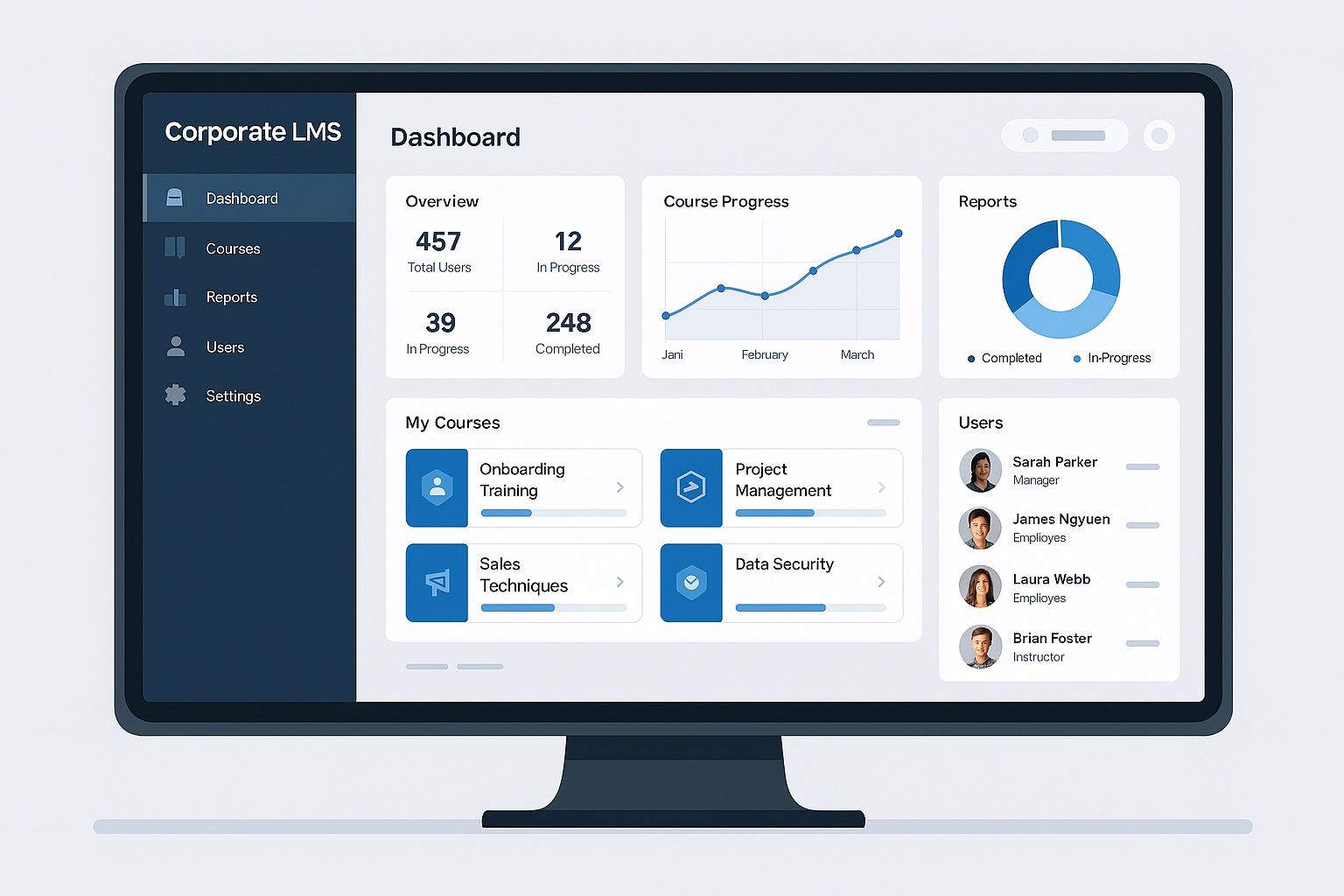
A Corporate LMS is a digital platform used by organizations to deliver, track, and manage employee learning. It supports online training, compliance programs, onboarding, and skill development through automated modules, assessments, and analytics. A modern LMS ensures consistent learning experiences across distributed teams.
1. User Management & Role-Based Access
A LMS must simplify user management with role-based controls. This ensures admins, trainers, and employees access only what they need, improving both security and user experience.
Key Features:
- Hierarchical roles (Admin, Manager, Trainee)
- Department-wise grouping
- Automated user provisioning
- Single Sign-On (SSO)
2. Course Management Tools
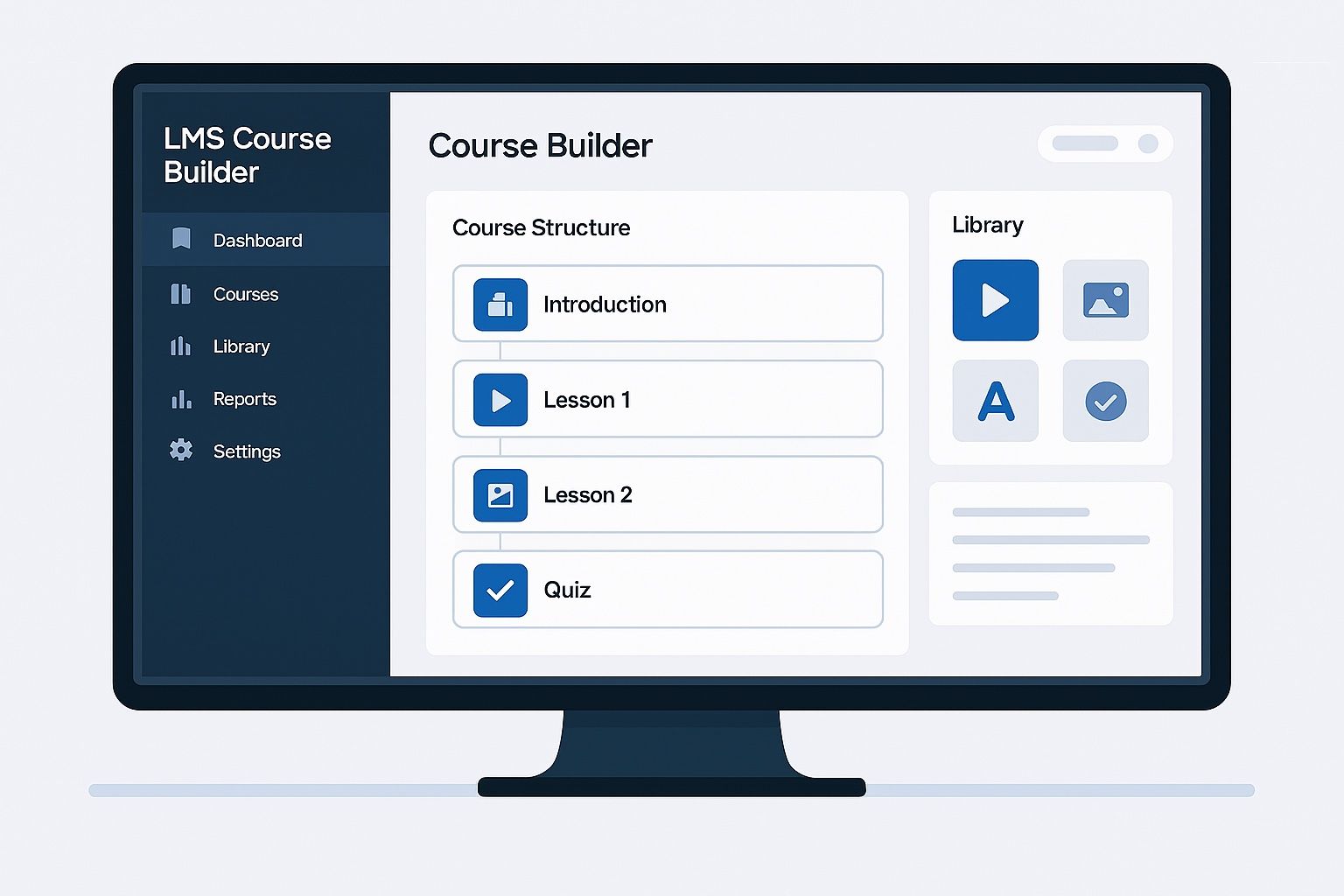
Course management is the core of any LMS. A powerful LMS should allow organizations to create, upload, and organize training content effortlessly.
Essential Tools:
- Drag-and-drop course builder
- Multimedia support (videos, PPTs, PDFs)
- Course catalogs
- Version control
3. Mobile Learning (mLearning)
Mobile learning ensures employees can access training anytime, anywhere. A corporate LMS must be fully mobile-responsive and app-ready.
Why It Matters:
- Flexible learning for remote teams
- Improved completion rates
- Offline learning mode
4. Assessments & Quizzes
Built‑in assessments help evaluate employee skills and track learning progress. A LMS should support customizable question banks and certificates.
Features:
- MCQ, True/False, scenario-based questions
- Auto-grading
- Certificates and badges
5. Learning Paths & Automation
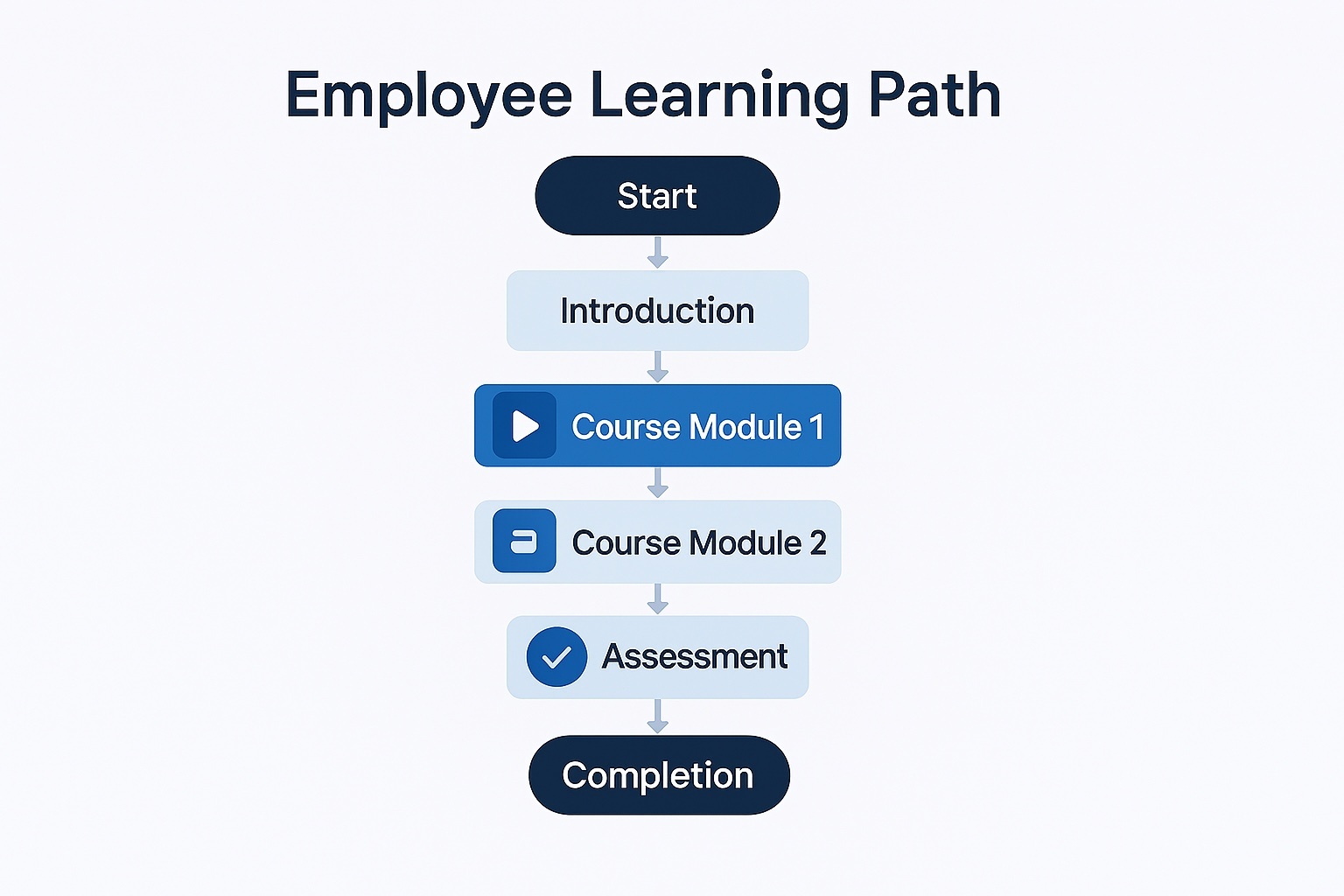
Learning paths guide employees through structured modules based on roles or skill levels. Automation triggers accelerate training accuracy and reduce admin effort.
Automation Options:
- Auto‑assign courses
- Deadline reminders
- Recurring compliance cycles
6. Gamification Features
Gamification boosts engagement and makes learning more enjoyable. A Corporate LMS should include motivational elements.
Gamification Tools:
- Points & leaderboards
- Badges
- Level progression
- Rewards
7. Reporting, Analytics & Dashboards
Analytics help organizations track employee training effectiveness. A Corporate LMS must offer real-time dashboards with actionable insights.
Key Reports:
- Course completion
- Skill progression
- Compliance status
- Quiz performance
8. Integration Capabilities
An LMS becomes more powerful when it integrates with HRMS, CRM, and communication tools.
Useful Integrations:
- HRMS (SAP, Zoho, BambooHR)
- CRM (Salesforce)
- Slack / Teams
- Payroll systems
9. Compliance Training Management
For regulated industries, compliance management is essential. A LMS must support recurring certifications and audit records.
Features:
- Automated reminders
- Certification expiry tracking
- Audit logs
10. SCORM & xAPI Support
An enterprise LMS must support eLearning standards like SCORM and xAPI to ensure compatibility with global training content.
Benefits:
- Reusable modules
- Detailed learner tracking
- Standardized content
11. Social Learning & Collaboration
Social learning fosters collaboration and knowledge sharing. A Corporate LMS with social features improves peer-to-peer engagement.
Tools:
- Discussion forums
- Chat groups
- User-generated content
12. Security & Data Privacy Features
A Enterprise LMS must ensure data protection through robust security measures and global compliance standards.
Security Features:
Secure cloud hosting
Data encryption
GDPR/ISO compliance
FAQ
A Corporate LMS is a digital platform used for employee training, onboarding, compliance, and skill development. It centralizes learning and provides analytics to track progress.
Core features include course management, mobile learning, automation, assessments, integrations, and analytics.
It automates certification cycles, sends expiry alerts, and maintains audit logs—essential for regulated industries.
It provides structured learning paths, real-time feedback, and continuous skill development.
Conclusion
A LMS is essential for modern organizations looking to enhance employee training, streamline compliance, and foster continuous learning. With the right features—analytics, mobile access, automation, and integrations—companies can significantly improve workforce efficiency.
Want a custom Corporate LMS built for your organization?
Visit Rannlab’s LMS Development Services