
Introduction
The biggest red flags before purchasing an LMS often remain hidden until after onboarding—when migrating away becomes costly and disruptive. Whether you’re selecting an LMS for corporate training, schools, compliance programs, or enterprise learning, the warning signs are surprisingly similar. A poor LMS choice leads to decreased learner adoption, higher support costs, compliance risks, and limited scalability. In this detailed guide, we uncover the most critical LMS red flags every organization must evaluate before making an investment. From hidden pricing traps to weak integrations and poor customer support, this blog will help you make a confident and future‑proof LMS buying decision.
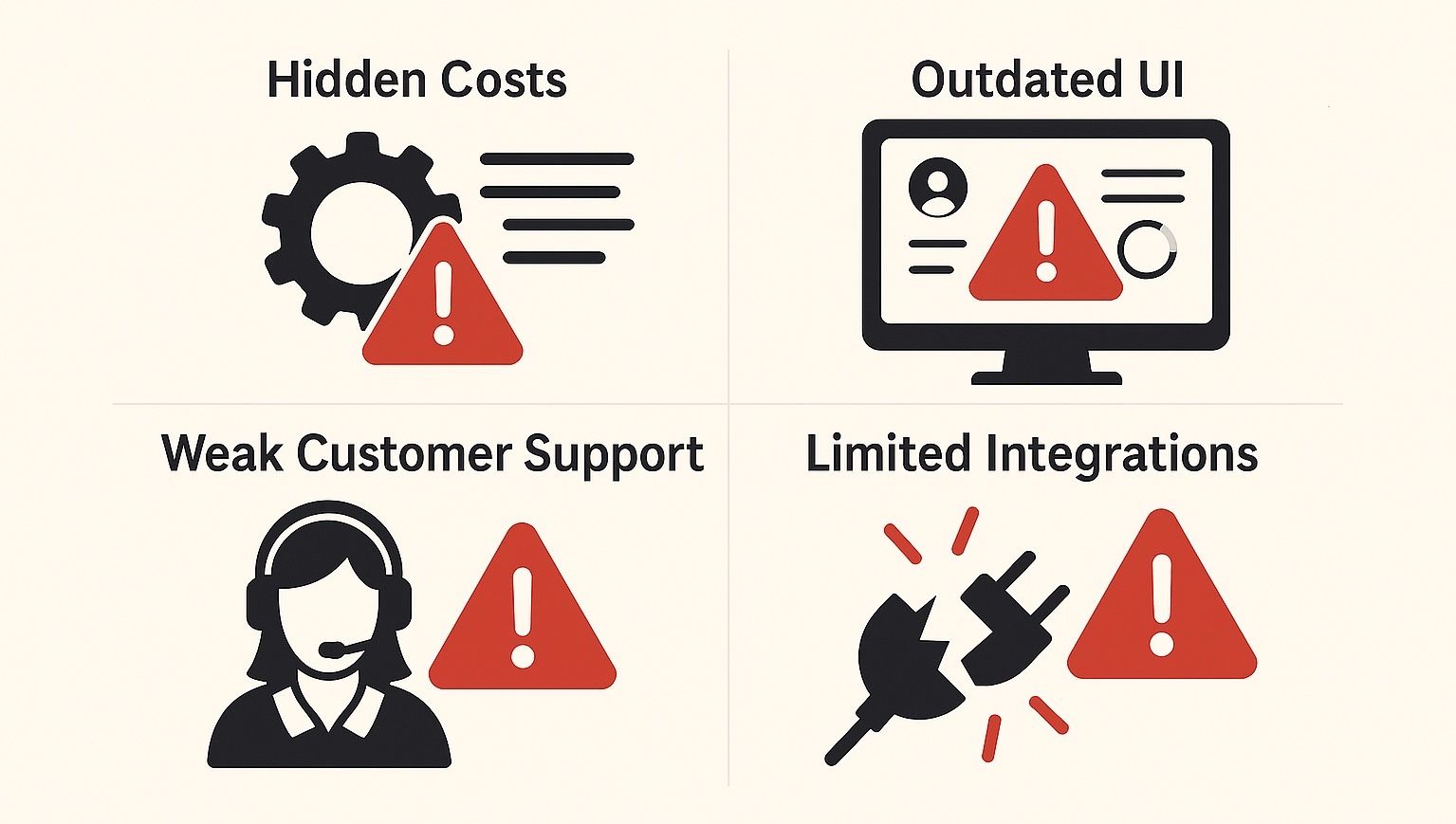
Hidden Costs & Pricing Traps
The biggest red flag before purchasing an LMS is unclear pricing. Many LMS vendors hide costs in implementation, integrations, premium modules, storage, and support, making the solution far more expensive than the initial quote.
Why It’s a Serious Red Flag
Hidden pricing often appears after the implementation phase—long after budgets are approved. Vendors may offer a low entry price but charge aggressively for:
- API access
- Integration plugins
- White labeling
- Storage upgrades
- Additional administrators
- Custom reports
- Mobile app access
- Support beyond basic tiers
When all add-ons are required, the “affordable LMS” becomes costlier than enterprise-grade alternatives.
Common Pricing Traps to Watch
- Per-user charges without caps (dangerous for scaling teams)
- Mandatory annual upgrades
- Additional charges for instructor-led training tools
- Paywalling essential features like analytics or certificates
Pricing Comparison Table
| Feature | Transparent LMS | Hidden-Cost LMS |
|---|---|---|
| Pricing model | Public & clear | Needs sales call |
| API | Included | Paid add-on |
| Storage | Generous or unlimited | Expensive upgrades |
| Support | Included | Tier-based fees |
| Branding | Included | White-label is extra |
Poor User Experience & Low Adoption Rates
A poorly designed, confusing LMS interface is a major red flag. Bad UX leads to low learner engagement, high admin workload, and decreased ROI.
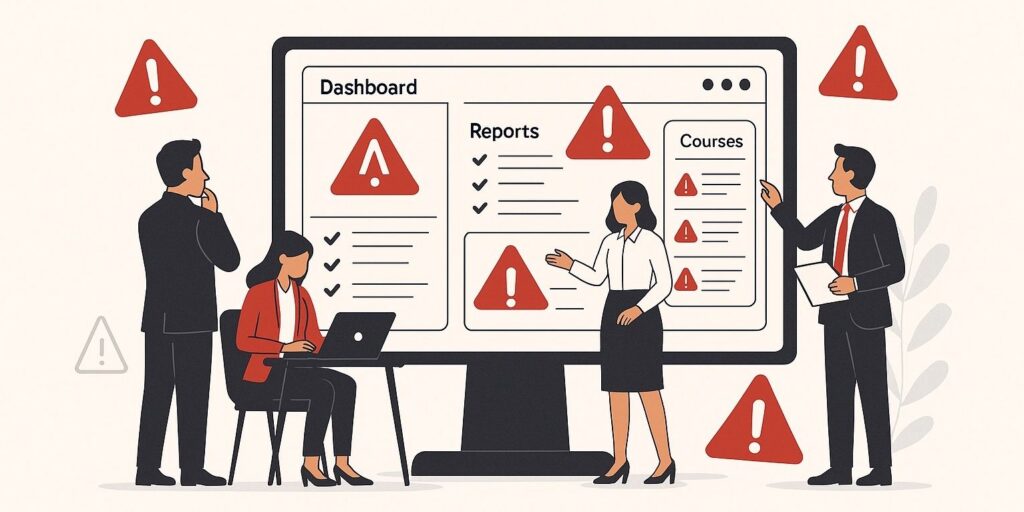
Why UX Matters for an LMS
The LMS must serve three audiences:
- Learners (easy navigation)
- Admins (simple course setup)
- Instructors (intuitive tools)
If any of them struggle, adoption tanks.
UX Warning Signs
- Outdated, cluttered interface
- Slow loading pages
- No offline learning
- No dark mode or accessibility support
- Complicated course builder
- Not mobile optimized
Mobile Learning Checklist
Your LMS should support:
✔ Responsive design
✔ Touch‑friendly interface
✔ Mobile push notifications
✔ Offline course completion
✔ Native app or PWA support
If any of these are missing, treat it as a red flag.
Impact of Poor UX on Business
- Increased support tickets
- Higher training abandonment rates
- Frustrated employees
- Lower assessment completion
- Slow onboarding cycles
A modern LMS should feel like using YouTube or Netflix—not like navigating outdated enterprise software.
Always run a 10-person usability test with actual learners before finalizing any LMS. Their feedback reveals more than demos ever will.
Limited Integrations & No Customization
A major red flag before purchasing an LMS is poor integration capability. Without smooth integration with HRMS, CRM, SSO, and analytics tools, your LMS becomes isolated and inefficient.
Must-Have LMS Integrations
A high-quality LMS must integrate with:
- HRMS (attendance, employee data)
- CRM (sales training automation)
- Email suites (Gmail, Outlook)
- Video conferencing apps (Zoom, Teams)
- Payment gateways
- SSO providers (Azure AD, Google Workspace)
- SCORM & xAPI compliance trackers
If these require custom coding each time, it’s a red flag.
Customization Limitations to Avoid
Many LMS platforms restrict:
- Branding
- Custom workflows
- Dashboard layouts
- Reports and analytics
- Multi-tenant structures
This leads to operational compromises.
Customization Flexibility Table
| Feature | Good LMS | Bad LMS |
|---|---|---|
| Branding | Full white-label | Partial or paid |
| Workflows | Customizable | Locked |
| Multi-tenant | Included | Limited |
| Automations | Wide library | Few triggers |
| Reports | Custom builder | Only static templates |
Why Integrations Matter
- Saves 100s of admin hours
- Reduces human error
- Improves learner tracking
- Enables unified reporting
- Automates onboarding workflows
Always verify API documentation BEFORE signing a contract. Weak APIs indicate poor flexibility and vendor lock-in.
Weak Customer Support & Long Downtime
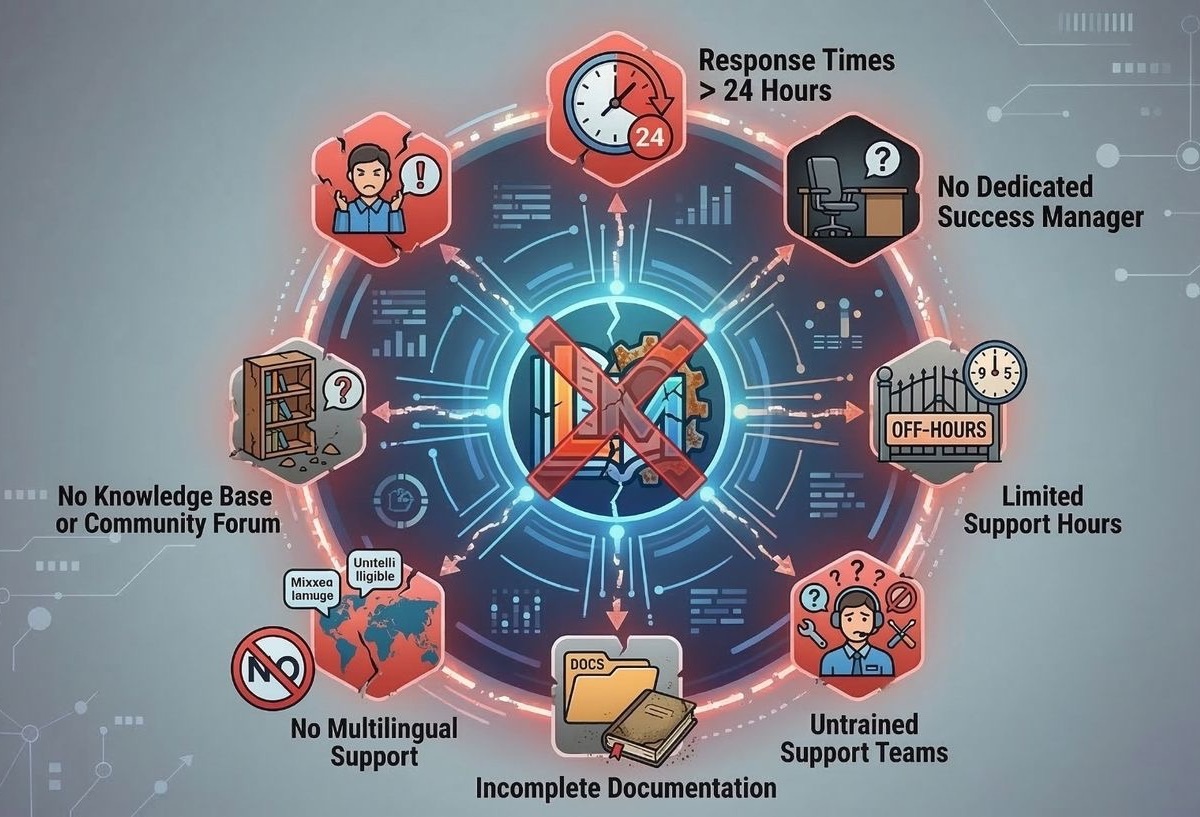
Poor customer support is one of the most dangerous red flags before purchasing an LMS. Slow response times and untrained support teams directly affect training continuity and operational efficiency.
Support Red Flags
Impact of Weak Support
- System downtime
- Failed compliance audits
- Unresolved bugs
- Delayed training programs
- Frustrated employees and admins
Support SLA Checklist
Your LMS provider should offer:
✔ 24/7/365 support
✔ Live chat + email + ticketing
✔ Fast response SLAs
✔ Monthly performance reviews
✔ Dedicated onboarding specialist
If they cannot commit to this, be cautious.
Always ask:
“What is your average resolution time?”
Not the SLA—REAL numbers reveal the truth.
FAQ
What are the major red flags before purchasing an LMS?
The biggest red flags include hidden costs, poor UX, limited integrations, lack of customization, and weak customer support. These issues directly affect long-term scalability and user adoption.
How can I avoid LMS pricing traps?
Request a full 3-year cost breakdown including setup, integrations, support tiers, storage, and premium module charges. Compare this with other vendors.
What integrations should every LMS support?
Essential integrations include HRMS, CRM, SSO, video conferencing apps, analytics tools, and payment gateways. These allow automation and seamless data flow.
Why does LMS UX matter so much?
Bad UX leads to low engagement, higher dropout rates, and extensive admin support. A modern LMS must offer simple navigation, responsive design, and a drag-and-drop builder.
Conclusion
Choosing the right LMS requires careful analysis of the red flags before purchasing an LMS. Hidden pricing, outdated UI, poor support, weak integration capabilities, and rigid customization often lead to long-term inefficiencies and high operational costs. A well-chosen LMS accelerates learning adoption, supports organizational growth, and reduces admin overhead. Before finalizing any LMS vendor, evaluate their transparency, UI quality, performance, scalability, and customer support track record. This ensures a future-proof and cost-effective investment in digital learning.
👉 Need help selecting or building a custom LMS?
Connect with Rannlab today
